Logfire
A downloadable game for Windows and macOS
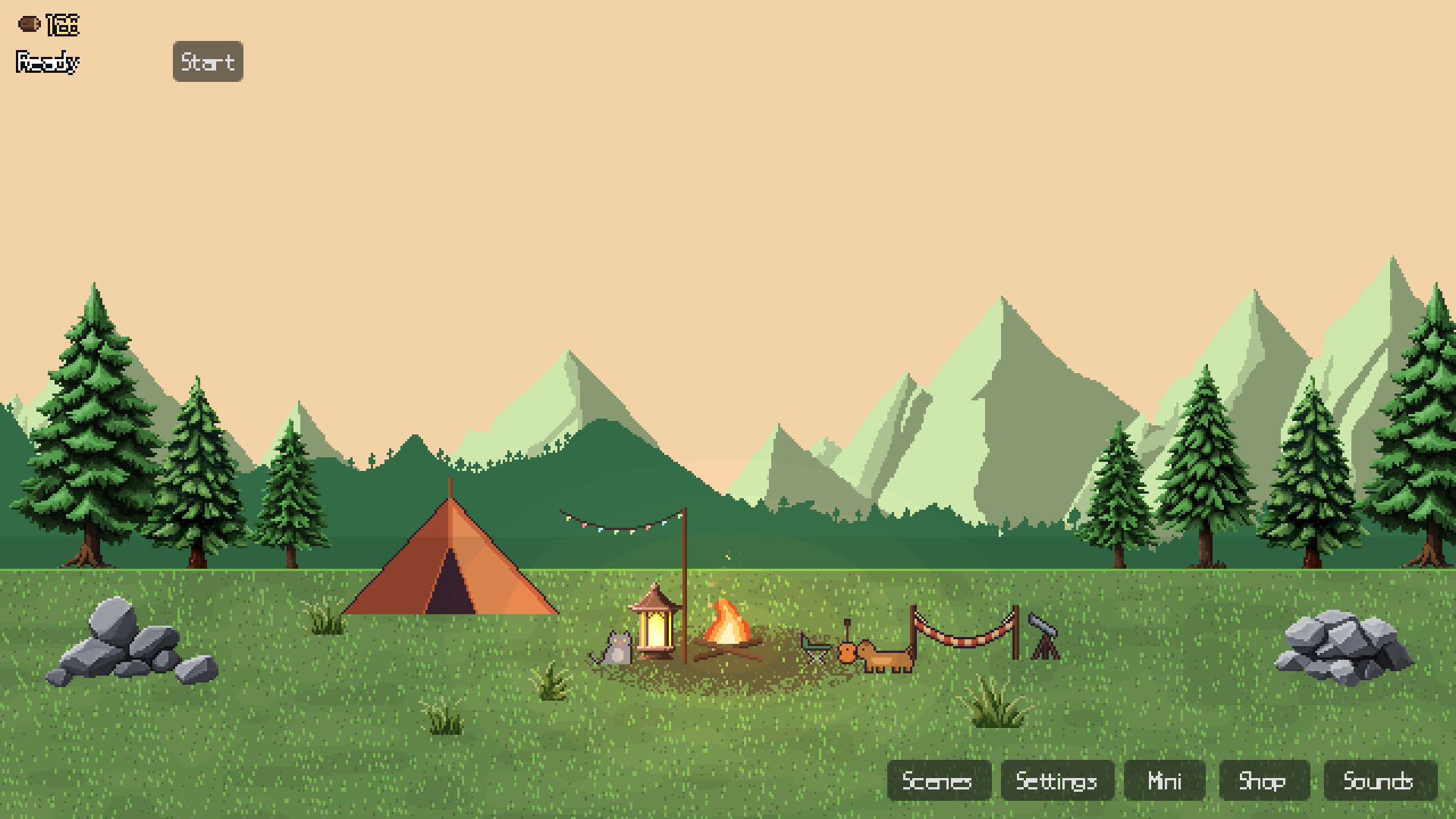
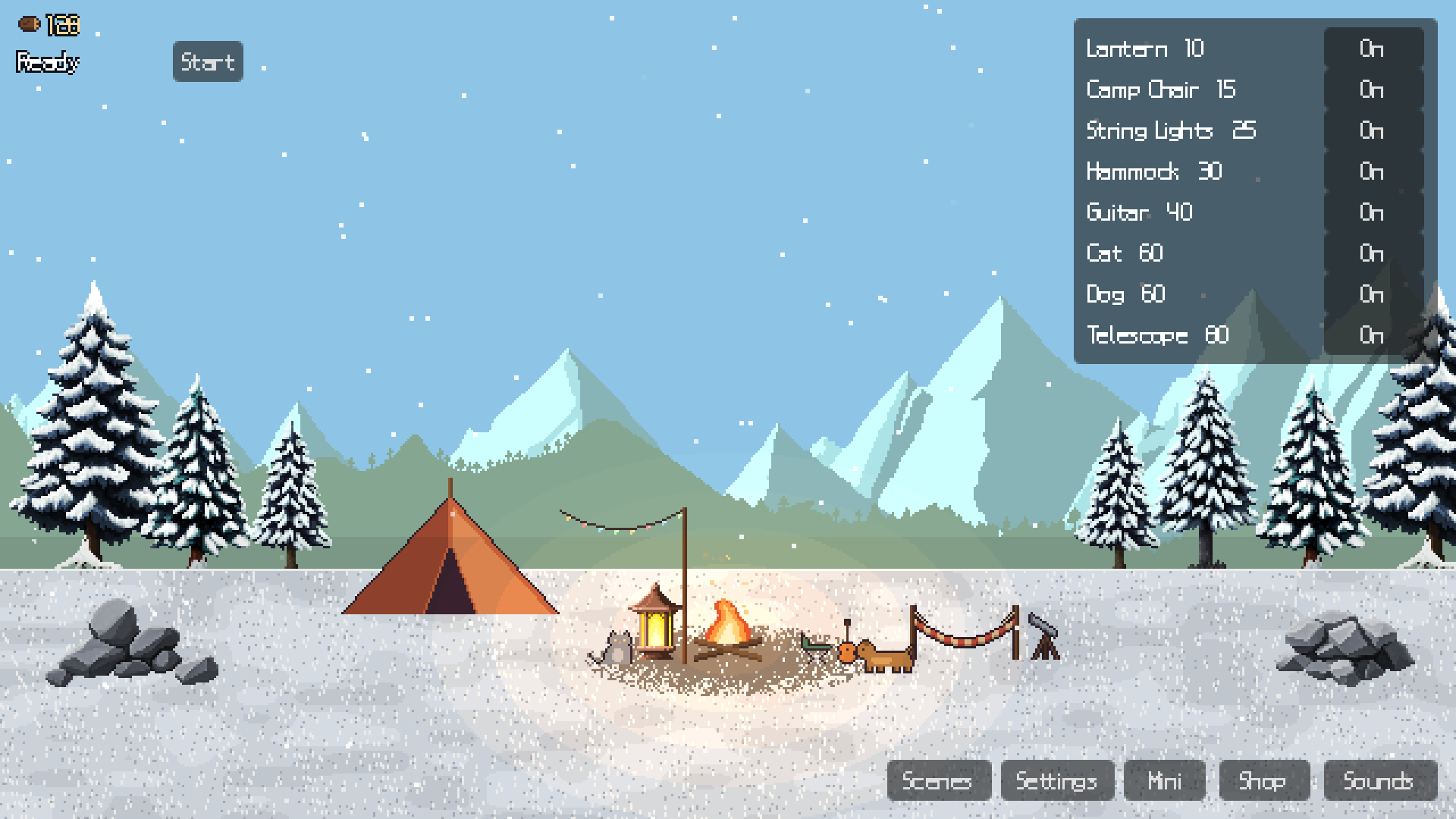
Logfire is a tiny pixel-art campsite that keeps you company while you work or study.
Light the fire, mix your own ambience, and let the hours pass by the campfire.
FEATURES
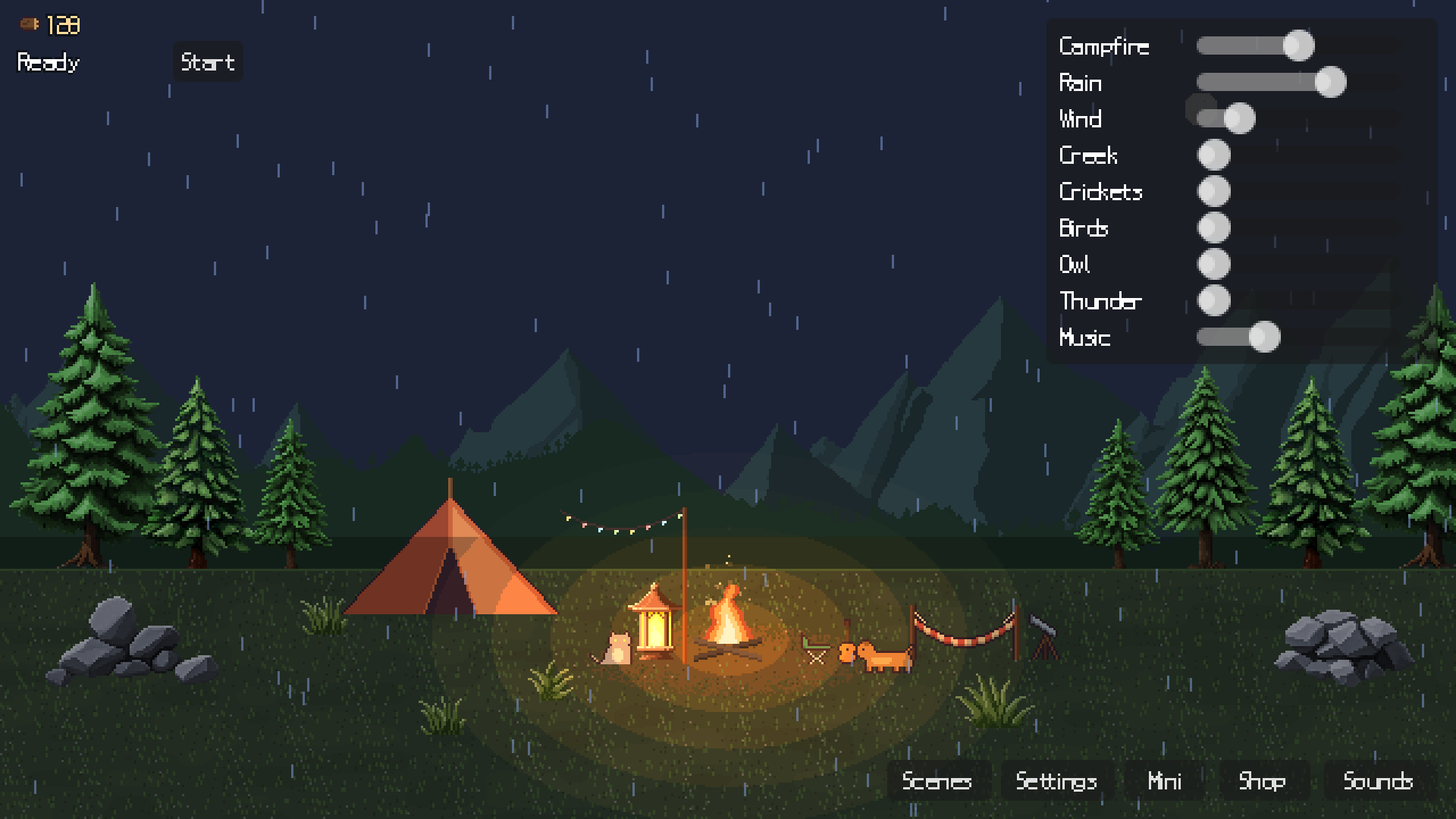
• Ambient sound mixer — campfire, rain, wind, creek, birds, crickets, thunder, owl, wind chime and lofi music, each with its own volume
• Earn firewood just by keeping the game open (1 per minute)
• Built-in pomodoro timer with bonus wood and a gentle chime
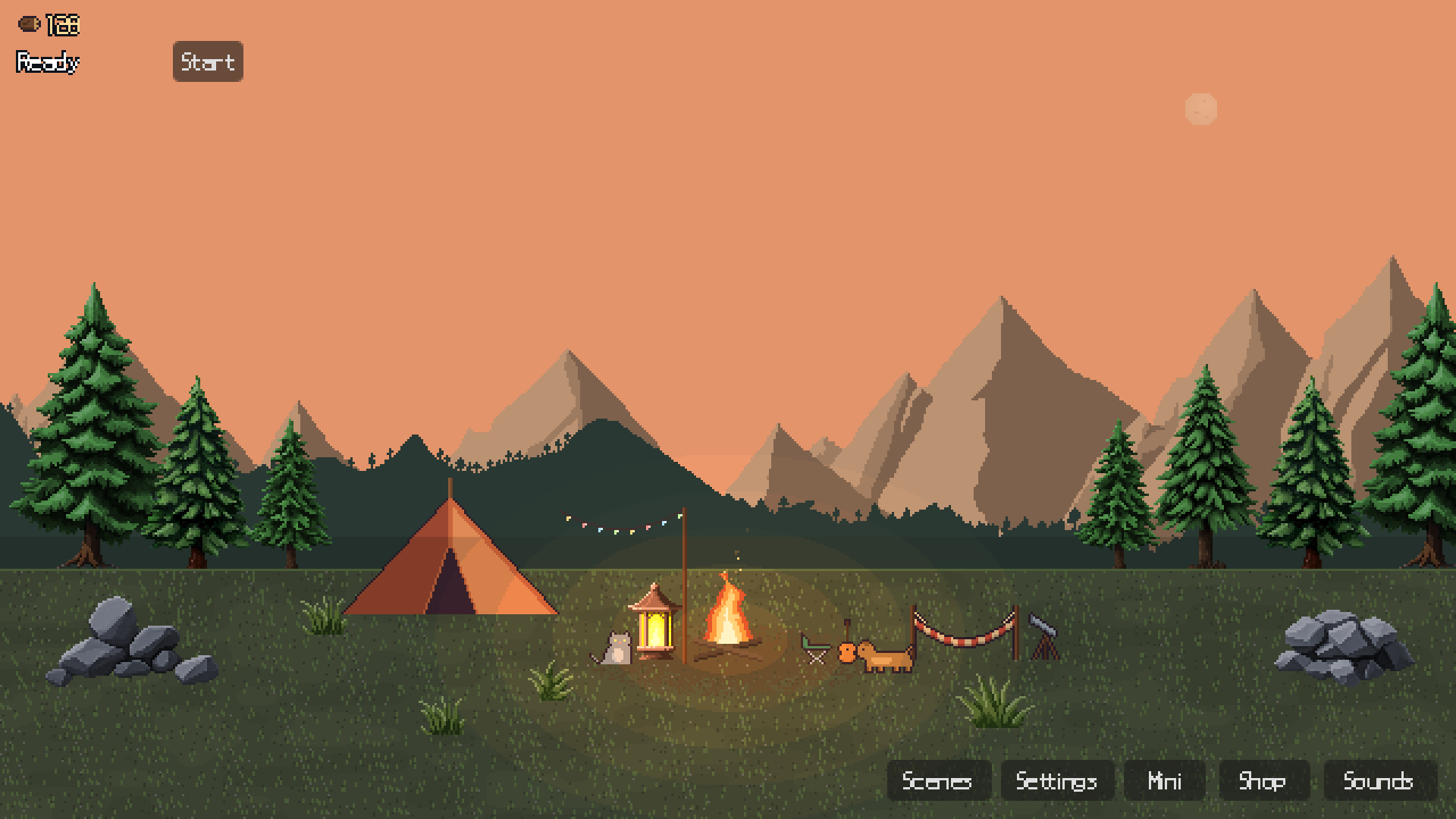
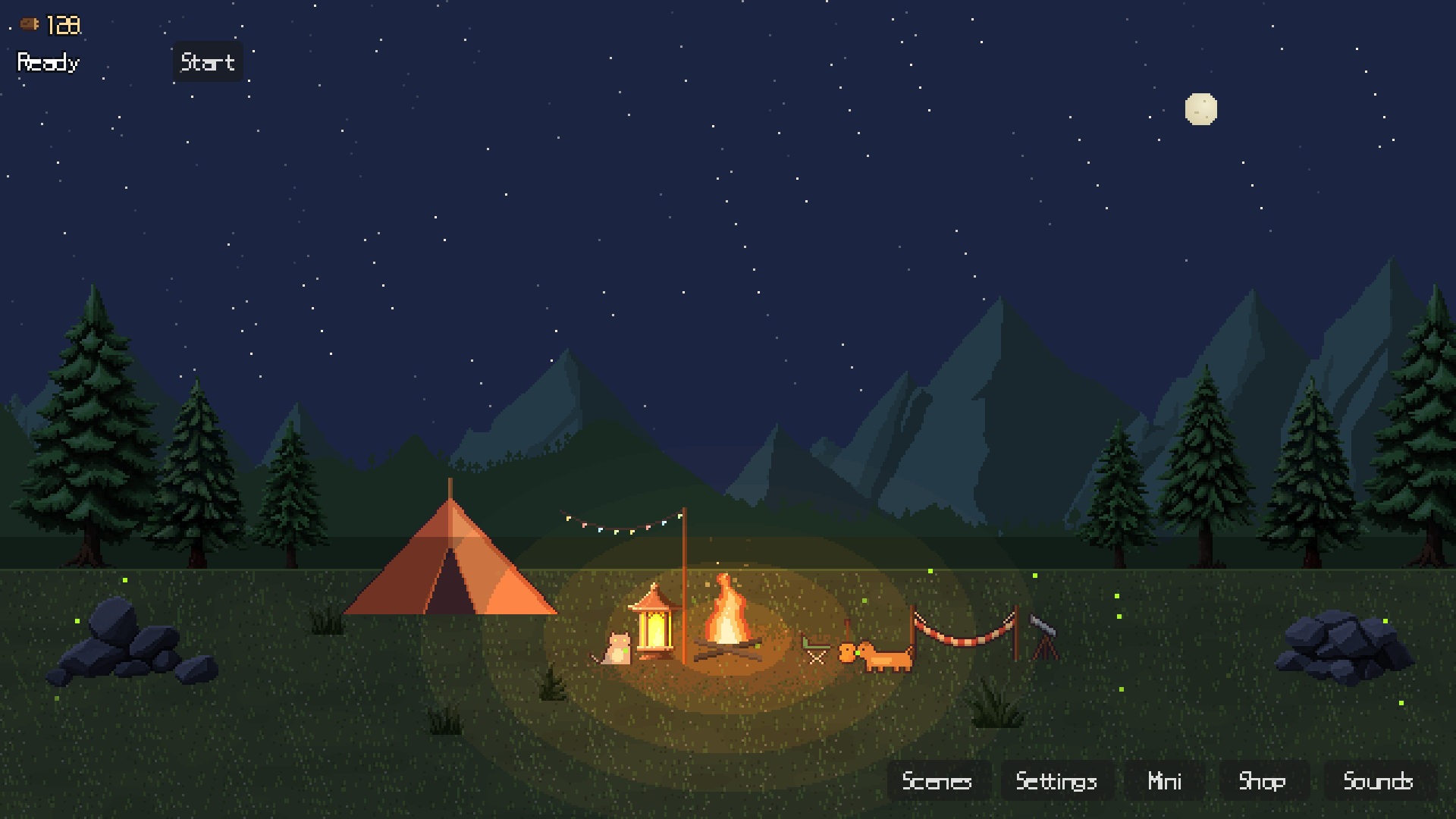
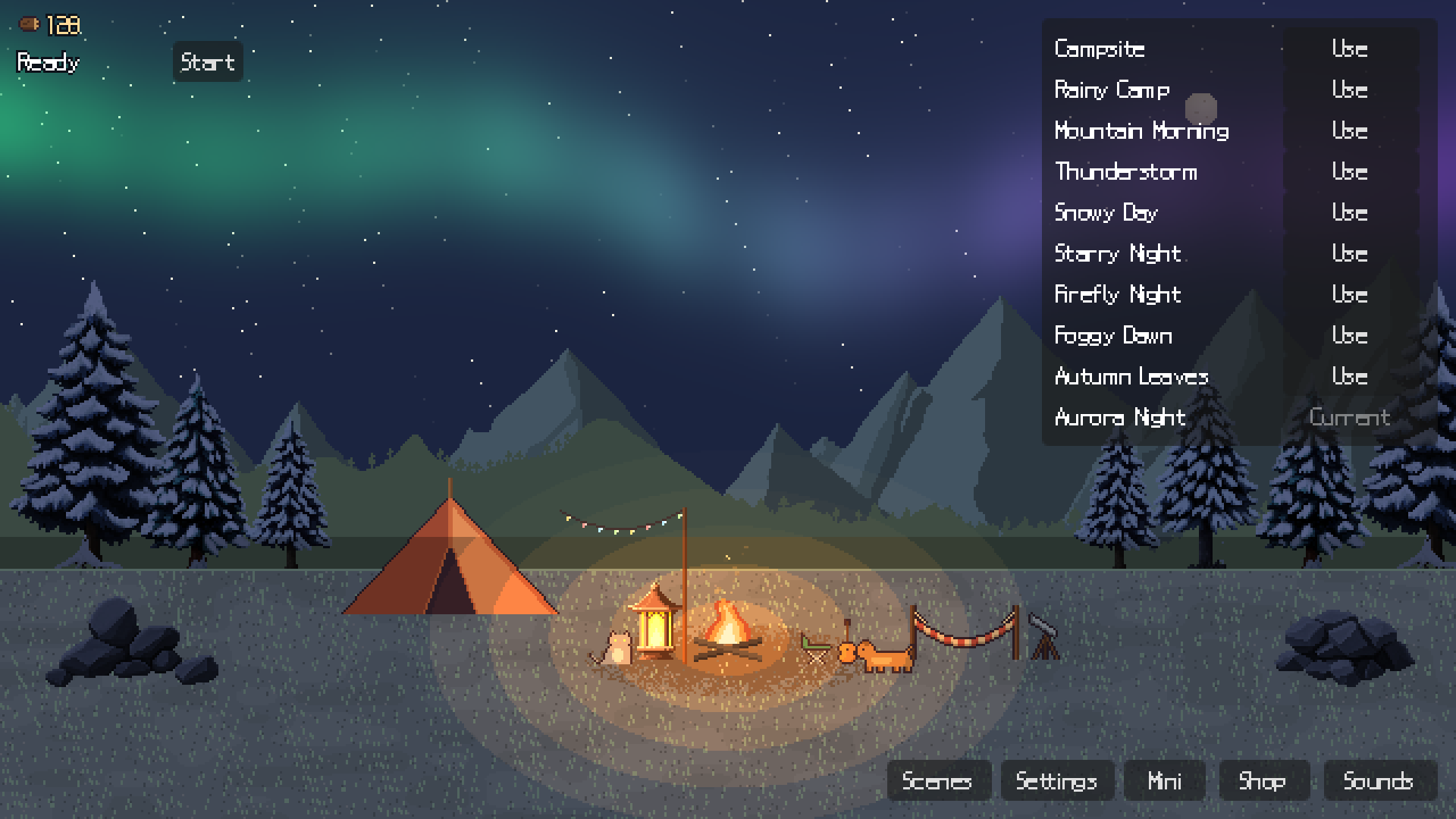
• Spend wood on props for your campsite and unlock 10 scene presets — rain, snow, fireflies, aurora and more
• Day and night follow your real clock
• Mini mode (N): a small always-on-top window to keep in a corner of your screen
• Low CPU usage, made to be left running all day
• English and Korean
CONTROLS
M — Sound mixer · B — Shop · N — Mini mode
FIRST LAUNCH
Windows: if "Windows protected your PC" appears, click "More info" → "Run anyway".
macOS: if the app is blocked, open System Settings → Privacy & Security → "Open Anyway".
CREDITS
Tree and mountain art by karsiori (CC0). Sounds are CC0 / public-domain recordings (full list in-game and in THIRD_PARTY_LICENSES.txt). Font: Galmuri by quiple (OFL). Made with Godot Engine.
Code and some sprites were made with AI assistance.
──────────
Logfire는 작업·공부할 때 곁에 켜두는 작은 픽셀 캠핑장입니다.
모닥불 소리, 빗소리, 시냇물 등을 원하는 대로 섞고, 켜둔 시간만큼 장작을 모아 캠핑장을 꾸며보세요. 뽀모도로 타이머와 화면 구석에 띄워두는 미니 모드가 있습니다.
Download
Install instructions
No installation or extra software needed.
WINDOWS
1. Unzip the download.
2. Run Logfire.exe.
3. If "Windows protected your PC" appears, click "More info" → "Run anyway".
macOS
1. Unzip the download (Safari does this automatically) and move Logfire.app to Applications if you like.
2. Open Logfire.app. If "Logfire Not Opened" appears, click "Done" (not "Move to Trash").
3. Go to System Settings → Privacy & Security, scroll down and click "Open Anyway".
4. Open Logfire again and choose "Open Anyway". You only need to do this once.
Tip: installing through the itch.io app skips these warnings.
──────────
설치나 추가 프로그램이 필요 없습니다.
WINDOWS
1. 받은 파일의 압축을 풉니다.
2. Logfire.exe를 실행합니다.
3. "Windows의 PC 보호" 창이 뜨면 "추가 정보" → "실행"을 누릅니다.
macOS
1. 받은 파일의 압축을 풉니다(Safari는 자동으로 풀어줍니다). 원하면 Logfire.app을 응용 프로그램 폴더로 옮기세요.
2. Logfire.app을 엽니다. "'Logfire'을(를) 열지 않음" 창이 뜨면 "휴지통으로 이동"이 아니라 "완료"를 누릅니다.
3. 시스템 설정 → 개인정보 보호 및 보안에서 아래로 내려 "그래도 열기"를 누릅니다.
4. Logfire를 다시 열고 "그래도 열기"를 선택합니다. 한 번만 하면 됩니다.
팁: itch.io 앱으로 설치하면 이런 경고 없이 바로 실행됩니다.
Leave a comment
Log in with itch.io to leave a comment.